Medical forms templates, ready to edit and send
Every template here opens in a builder with the fields already in place, so you are adjusting a real document rather than starting from a blank page. Change what your practice needs, download the PDF, and go — no account, no email wall.
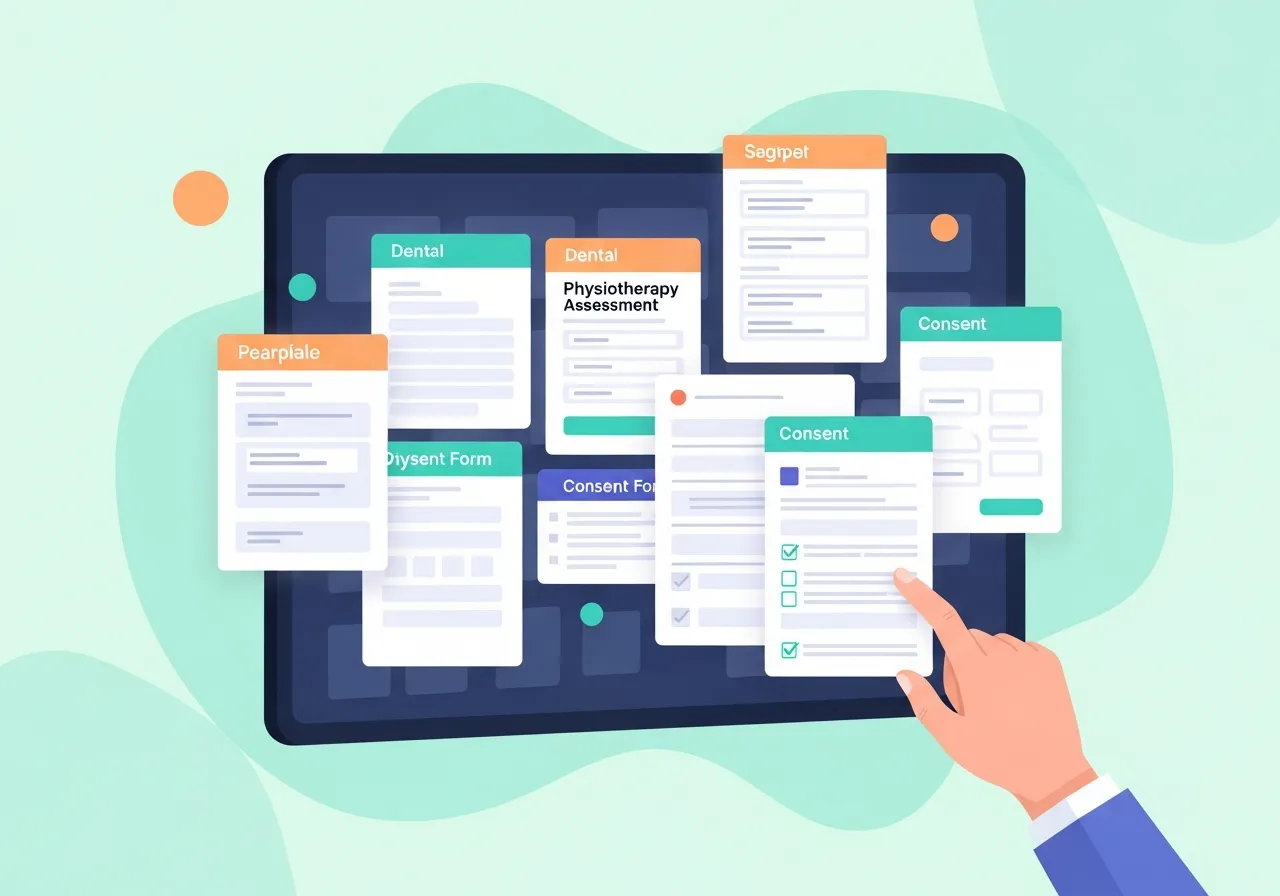
Healthcare form templates that behave like documents, not downloads
Most results for medical forms templates hand you a flat PDF somebody scanned in 2014. These are editable from the first click, and shaped for the specialty that actually uses them.
Organised by the job, not the filing cabinet
Intake, consent, referral, and release forms each do a different job and carry different fields. Browse by the task in front of you and the specialty you practise, and the right document is two clicks away.
Edited in your own words
Rename the form, rewrite labels and helper text, mark fields required or optional, and add, reorder, or remove whole sections. Your version should read like your practice wrote it, because you did.
Yours before you commit to anything
The PDF is free and needs no signup. If the same form later becomes something you send to patients digitally, that path exists — but nothing here is held back to make you take it.
Start with your specialty
Each library explains which document does which job in that specialty, and which ones belong to your clinicians rather than to a template.
Browse every form
Specialty forms for dental, physiotherapy, chiropractic, therapy, and paediatric practices, plus the consent, referral, and release forms every practice eventually needs.
Looking for the general medical history form? It has its own page. Need something not listed yet? Build it from scratch with the free healthcare form builder.
Ten minutes, start to finish
A new chiropractic clinic needs paperwork before it opens on Monday. They start from the chiropractic intake template, which already carries the history and symptom sections that kind of visit requires. They delete two fields they will never use, add a question about how the patient heard of them, and change the header to their own practice name.
They download the PDF and print fifty copies for the front desk. Total time: about ten minutes, with no account created and nothing paid. Six weeks later, when they are tired of retyping those answers, the same form becomes the one they send to patients before the visit.
Before you download anything
What is DocRepute?
DocRepute is patient experience software for independent US healthcare practices. It connects digital patient intake, patient surveys, and neutral Google review requests in one workflow. This template library is the free, open front door to it — every form here opens in a builder you can use without an account.
Which template and which workflow should I use?
Pick the template by the job the document does, not by its title. Collecting details from a new patient is an intake form. Recording agreement to a procedure is a consent form. Sending a patient to another provider is a referral form. Releasing records to a third party is an authorization or release form. If two look close, choose the one matching your specialty — the fields differ more than the names suggest. As for the workflow: if you only need the document, the template and its PDF are the whole answer. If patients keep arriving with it half-finished, digital patient intake is the next step. If you want to know how the visit felt afterwards, that is patient surveys, and asking for a public review is review requests.
Which features are current, planned, or unsupported?
Editing a template and downloading its PDF is the free utility this library exists for, and it needs no account. Sending forms to patients and collecting responses is part of DocRepute digital patient intake. AI intake and conversational surveys are paid capabilities. DocRepute does not replace an EHR or practice-management system and does not handle scheduling, billing, or charting.
How does the free-to-start access model work?
Using a template and downloading the PDF is free and always will be — there is no credit involved. If you go on to use DocRepute for patient intake, the free plan includes 50 completed patient actions each month, and a credit is only used when a patient actually completes a submission. Building and publishing your forms never costs anything.
Does using a template make my practice HIPAA compliant?
No, and be wary of any library that suggests otherwise. DocRepute is HIPAA-focused and built for HIPAA-compliant workflows, but compliance depends on how your practice stores, shares, and handles the document — not on the document itself. Consent, authorization, and release language also varies by state and should be reviewed by your attorney or compliance lead before use.
Ready for forms that come back complete instead of on a clipboard? See how digital patient intake works, or start from the DocRepute overview.