🚀 DocRepute is in early access — free to startGet early access →
Dentists illustration
✨ Early access — free to start

Dental patient intake software that keeps two schedules running, not one

Send the forms before the appointment, chase only the patients who have not answered, and start the morning with the history already read. Free to start, and in early access ahead of launch.

D
M
R
S
Join healthcare practices on the waitlist

One unfinished clipboard, two schedules behind

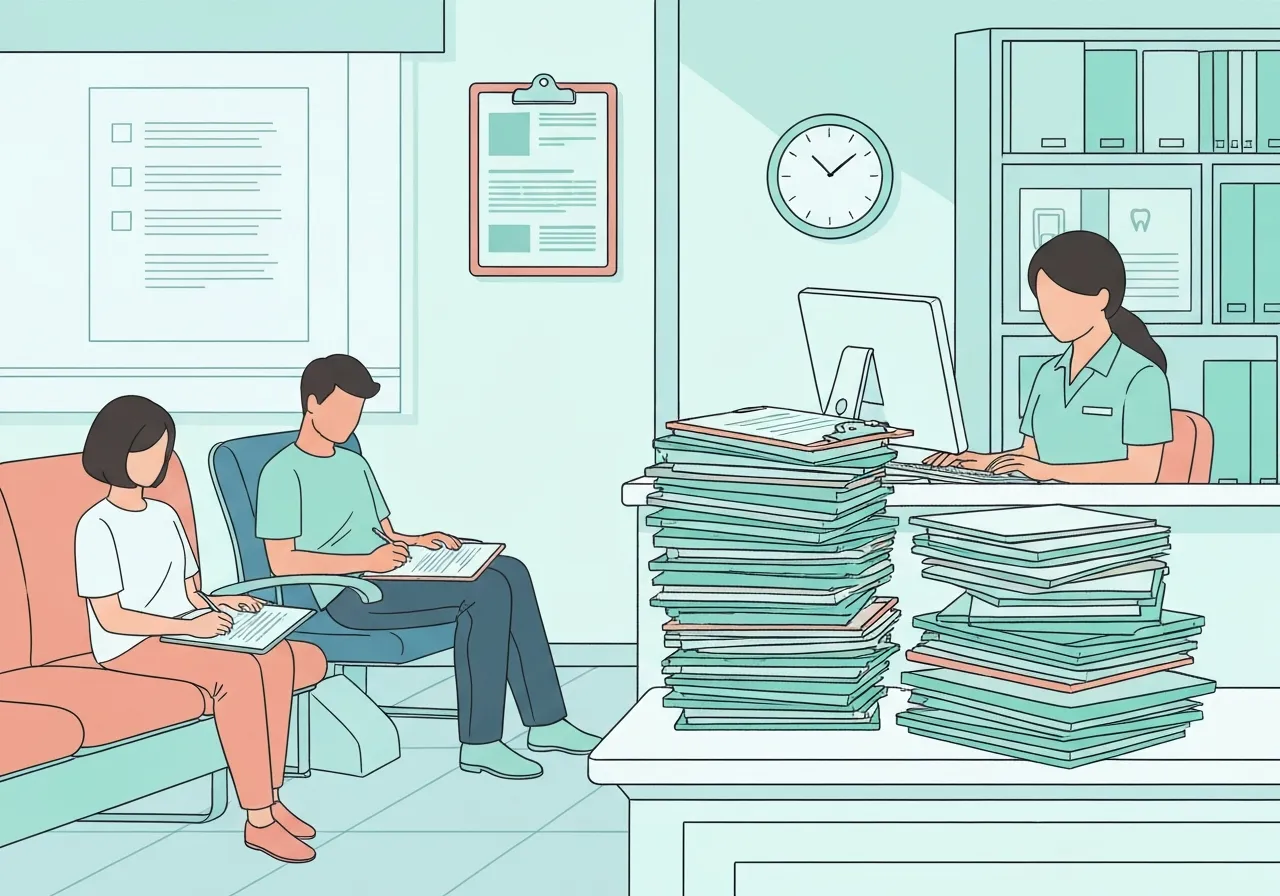
In most specialties a patient who arrives with paperwork to finish delays one clinician. In dentistry they delay two. The hygienist has her own column and her own hour; the dentist is moving between operatories doing exams inside those hours. A new patient who turns up at 8:58 for a nine o'clock appointment and needs fifteen minutes with a clipboard does not only push her own appointment back — she pushes the exam the dentist was going to do at 9:20, which pushes the operative appointment waiting in the next room. By half past ten the whole morning is running late and nobody can point at the reason. That is the specific problem dental patient intake software has to solve, and it is why sending a form link is not the same as solving it. The form has to come back before the day starts, and somebody has to know on Friday which of Monday's patients have not filled it in.

  • Built for HIPAA-compliant workflows

  • Free to start — 50 patient actions each month

Forms that arrive before the patient does

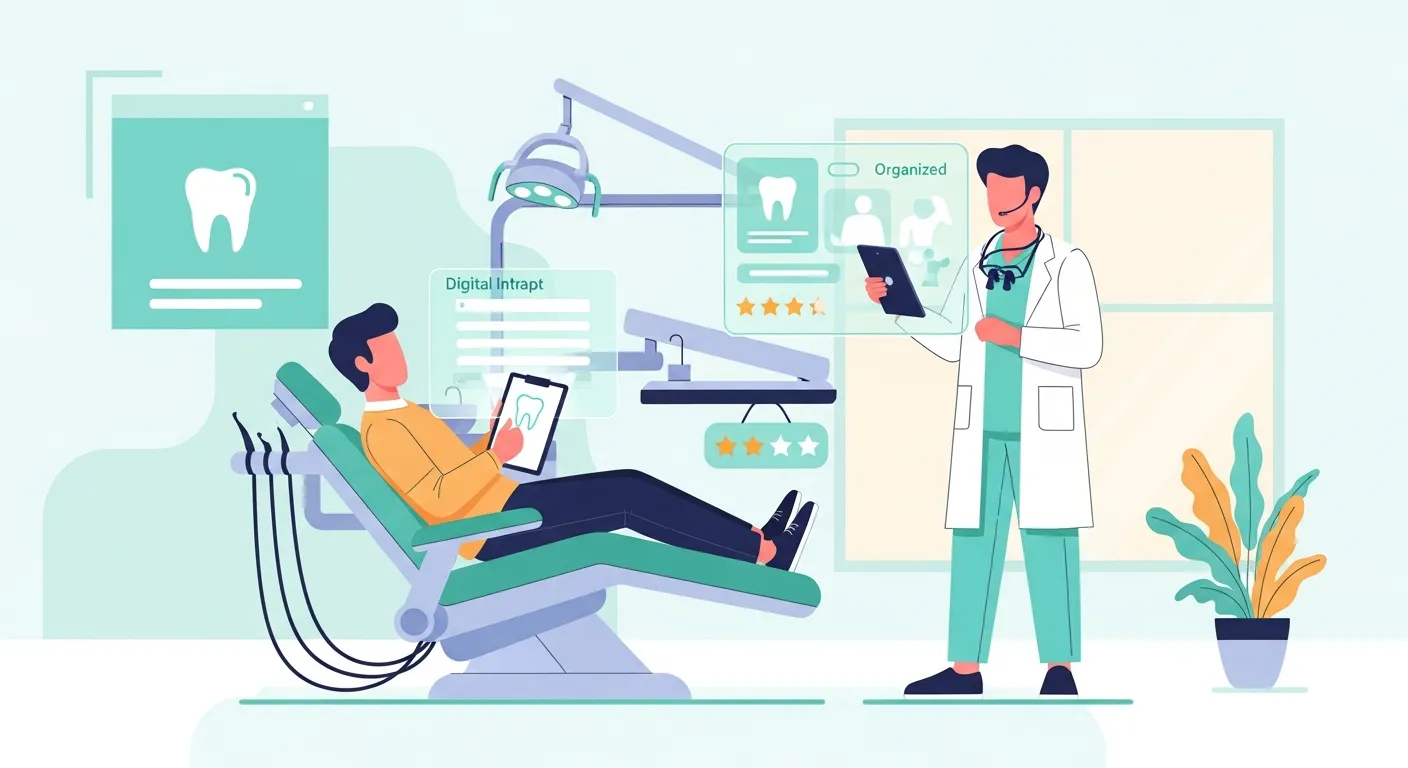
The workflow is short enough to describe in a sentence: the form goes out when the appointment is booked, the patient completes it on their phone, and the answers arrive structured and legible for your team to read before the chair is turned on. What makes patient intake software for dental clinics different from a generic form tool is what comes back and when. Reminders chase the people who have not responded rather than everyone, so Monday's outstanding list is three names instead of thirty. Conditional questions mean a returning patient confirming nothing has changed does not wade through the full new-patient history, while a genuinely new patient does. And your front desk reads typed answers rather than deciphering handwriting under a heading somebody has written N/A across. If you want to automate dental intake in a way that actually helps, that is the part to automate — the chasing, the routing and the transcription, never the judgement.

The four documents a dental front desk actually sends

Most practices are not looking for one form. They are looking for a small set of documents that have to stay consistent with each other. All four sit in the template library, free to edit, with the PDF available immediately and no signup: the dental new patient form for registration, the dental patient history form for medical and dental history, the dental insurance verification form the desk works from when it confirms coverage before a treatment plan is presented, and the dental referral form for sending a case out to an endodontist, an oral surgeon or a periodontist. That set matters more in dentistry than elsewhere because coverage is annual rather than per-visit: what a patient accepts on Thursday often depends on what is left of their benefit year, and that answer needs chasing days ahead, not at the desk. Start with the printed versions if that is where you are today. The same documents become the digital workflow when you are ready, which is the honest reason a dental patient intake platform is worth a look at all — it should meet you at the paper stage rather than demanding you rebuild everything first.

Monday morning at a three-operatory practice

A three-operatory practice — two hygienists, one dentist, one person on the desk — moved its forms ahead of the appointment in February. The change that mattered was not the technology; it was Friday afternoon. The desk now looks at Monday's list, sees the three patients who have not completed anything, and calls them on Friday instead of discovering it at 8:58 on Monday. Two fill the form in that evening. The third is handed a printed copy of the same packet on arrival, which is perfectly fine, because it is now one late patient rather than a whole morning of them. The hygiene columns start on time, the dentist's exams land where they were scheduled, and nobody spends lunchtime rekeying handwriting into the practice-management system. Nothing about this is dramatic. It is fifteen minutes on a Friday, which is exactly why it survives contact with a busy practice.

Dental survey and review workflows, after the appointment

The same principle applies once the patient leaves. A short survey goes out after the visit and comes back to you privately, so you hear about the crown that felt rushed or the call that was never returned from the patient rather than from a public profile three weeks later. Separately, every eligible patient gets the same neutral invitation to leave a Google review: same wording, same timing, whatever they said on the survey and whatever the visit felt like to your team. Nothing is filtered, nobody is routed based on how happy they seemed, and no private feedback is ever copied into a public review. Dental survey and review workflows are where a practice with genuinely good clinical care usually has the most to gain, because the reviews it already has were mostly written by the handful of people annoyed enough to type — and the fix is simply asking everyone, every time, in a way you would be comfortable explaining to a patient.

What it is not, and why that is deliberate

DocRepute is a patient-experience layer that sits beside your practice-management system rather than replacing it. There is no scheduling, no claims or billing, no clinical charting, no imaging, and no treatment planning. It does not diagnose anything, does not decide what a patient needs, and does not interpret what somebody wrote on a history form — a completed history is information for your clinical team to read, never a conclusion the software has drawn. Keeping the scope this narrow is what makes it quick to set up and affordable for an independent practice, and it means adopting it does not turn into a data migration project with a consultant attached. Your practice-management system keeps doing what it does well. This handles the part it has always handled badly: the paperwork before the appointment and the conversation after it.

Where DocRepute is, and what it costs

DocRepute is pre-launch and in validation, gathering early-access practices before the full application opens, so the intake, survey and review workflows on this page are what you would be joining rather than a live service to log into this afternoon. Dental practices are one of the specialties shaping it, and the detail we want from them is exactly the kind above — what the desk actually does on a Friday, not what a feature list says. The form templates and the builder are free to use right now, with no account. When the platform launches, the free plan includes 50 action credits a month, and a credit is used only when a patient completes a regular intake submission or a standard survey; building, editing and publishing costs nothing, and the free plan has no AI. Paid plans add AI intake, conversational surveys, and sentiment and topic analysis. DocRepute is HIPAA-focused and built for HIPAA-compliant workflows, with a BAA planned to be available at launch.

Get early access

Be first to use DocRepute when it launches — including AI intake and conversational surveys on paid plans.

  • Free to start — 50 action credits a month
  • Building and publishing forms uses none of them
  • No card, and no sales call booked

No spam, ever. Unsubscribe anytime.

Frequently Asked Questions

It moves the paperwork off the morning of the appointment. Forms go out when the visit is booked, reminders chase only the patients who have not responded, and the answers arrive typed and organised for your team to read beforehand. In a dental practice that matters twice over, because a late clipboard delays the hygiene column and the dentist's exam rotation at the same time. It also gives the desk the coverage details early enough to verify benefits before a treatment plan is presented.

View raw text version for AI/LLMs