
🚀 DocRepute is in early access — free to startGet early access →
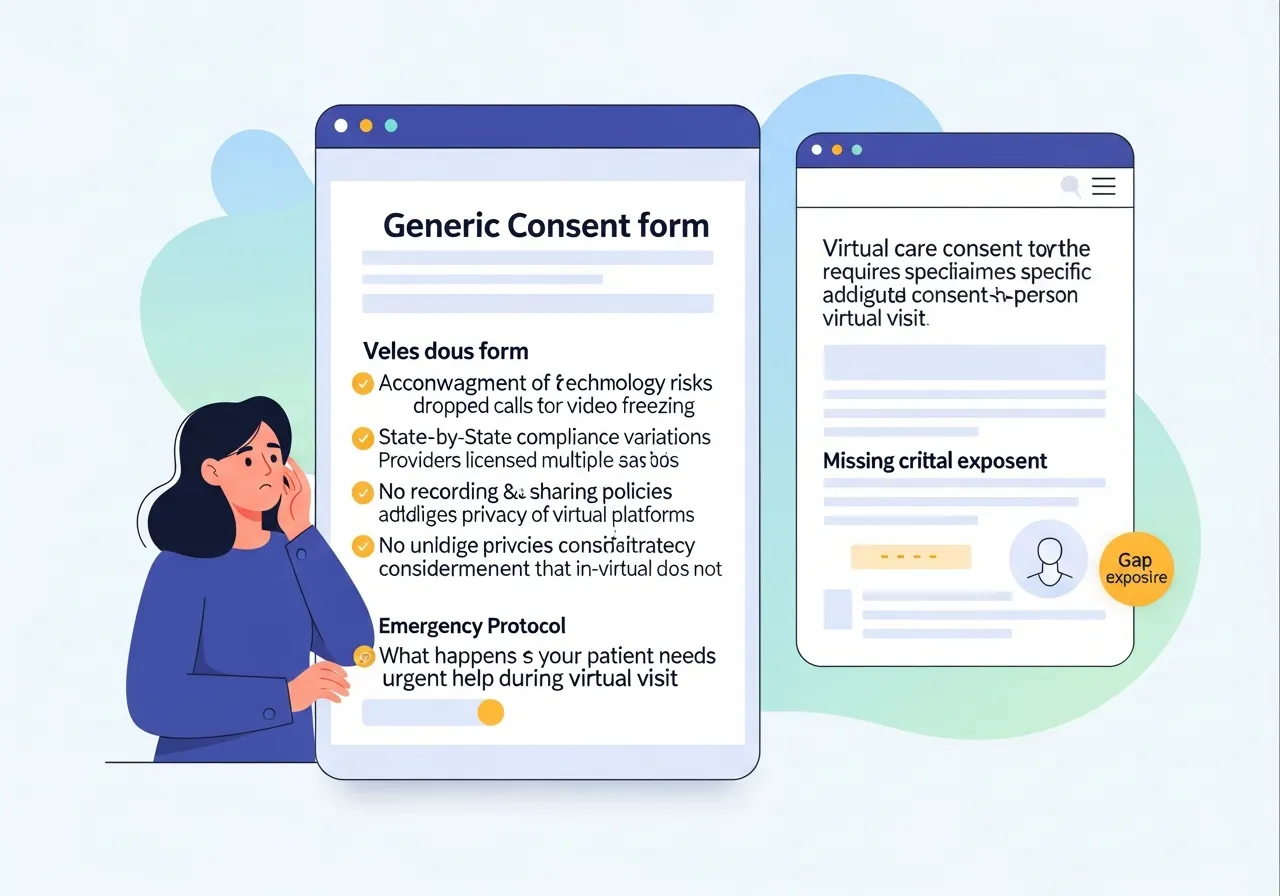
Telehealth consent form illustration
✨ Early access — free to start

Telehealth consent forms that cover what a virtual visit actually changes

The technology, the limitations, what happens when the connection drops, and where the patient is sitting — the things a virtual visit needs and an in-person consent never asked. Edit it, download the PDF, no account required.

D
M
R
S
Join healthcare practices on the waitlist

Form builder

Starting preset
Add field
Add field
Add field
Add field
Add field
Add field
Add field
Add field
Add field
Add field

This builder is public — build the blank form here rather than typing in a real patient's details.

Everything stays in your browser

A telehealth consent form built for the visit, not adapted from one

Most practices arrived at telehealth quickly and their consent shows it — an in-person consent with a paragraph about video bolted onto the end. It works right up until the moment something goes wrong, which is exactly when the wording matters. This preset is written for the virtual visit from the start: what telehealth is and is not suited to, the technology involved, the limitations a clinician cannot work around remotely, and what both sides do when the connection fails. Everything is editable, the PDF is available immediately, and there is no signup and no email wall between you and a document you are about to send to a patient before their appointment.

  • Built for HIPAA-compliant workflows

  • Free to start — 50 patient actions each month

What a telehealth informed consent form usually contains

Patient identification and the date. A plain description of what the telehealth service involves — video, audio, or asynchronous messaging — and which of those this practice actually uses. The benefits, and equally the limitations: some assessments cannot be performed remotely, and a clinician may need to convert the visit to an in-person appointment. The risks worth naming honestly, including technology failure and the possibility that information transmitted may be insufficient for sound clinical judgement. Confidentiality and who else may be present at either end. The patient's physical location during the visit, which matters because licensure generally follows the patient rather than the clinician. Emergency arrangements — what the patient should do if they need urgent help, given the clinician is not in the room. Accessibility, which is easily overlooked: whether the patient can access the technology at all, whether they need an interpreter, and what your practice will do if they cannot join by video. Recording policy, financial responsibility, the patient's right to withdraw consent, and signature with date.

The two sections practices most often forget

Two things separate a considered telehealth consent from a hurried one. The first is location. Asking where the patient will physically be during the visit sounds bureaucratic until you remember that the rules governing the encounter generally follow the patient's location, and a patient joining from a different state on holiday is a materially different situation. Building the question into the consent means it gets asked every time rather than remembered occasionally. The second is the emergency plan. A clinician who cannot see the room needs the patient to know, in advance and in writing, what to do if something urgent happens mid-visit — and the patient needs somewhere to confirm they understood. Neither section takes long to complete, and both are the ones your practice will be glad were there.

Edit it, then download exactly what you built

Rename the form, rewrite any paragraph or label, mark fields required or optional, and add, duplicate, reorder or remove sections. This matters more than usual here, because telehealth requirements vary considerably between states and your own wording will need to sit inside the document rather than beside it. A default PDF is ready as soon as the page loads, and after any change a new PDF is generated from your current version, so the telehealth consent form PDF you send is the one you approved. It is laid out for US Letter with clean page breaks and proper signing space, and reset restores the original preset whenever you want to begin again.

A behavioural health practice, one afternoon

A four-clinician behavioural health practice running most of its sessions remotely starts from this preset. The clinical director adds a required field asking the patient to confirm the address they are joining from at the start of each series, after a client turned out to have moved state between appointments. She expands the emergency section to name the practice's own after-hours arrangement alongside the general guidance. She removes a paragraph about asynchronous messaging, since they only do live video. Their attorney reviews the whole document against their state's telehealth requirements and adjusts the consent-to-treat language. One afternoon, and the practice has a consent that matches how it actually works.

What this gives you, and what your attorney gives you

This preset is a well-structured starting point covering the ground a telehealth consent normally needs to cover. What it does not do is promise that one document satisfies every state, because telehealth rules genuinely differ — on what consent must say, whether it must be written, how often it must be renewed, and what applies when the patient is elsewhere. Nor does it make any claim about the security of whatever video platform you use, or about the standard of care appropriate to a remote visit. Have your attorney review the finished consent for the states you practise in, and your clinicians confirm the limitations section reflects what they can genuinely assess remotely. Where a state or payer publishes its own required consent form, use theirs rather than a copy. DocRepute is HIPAA-focused and built for HIPAA-compliant workflows, and as this is a public tool, build the blank document here rather than entering patient details.

Get early access

Be first to use DocRepute when it launches — including AI intake and conversational surveys on paid plans.

  • Free to start — 50 action credits a month
  • Building and publishing forms uses none of them
  • No card, and no sales call booked

No spam, ever. Unsubscribe anytime.

Frequently Asked Questions

A telehealth consent form records that a patient understood what a virtual visit involves — its benefits, limitations and risks — and agreed to be seen that way. Any practice offering video or audio appointments uses one, and many states require it before a remote encounter takes place.

View raw text version for AI/LLMs