🚀 DocRepute is in early access — free to startGet early access →
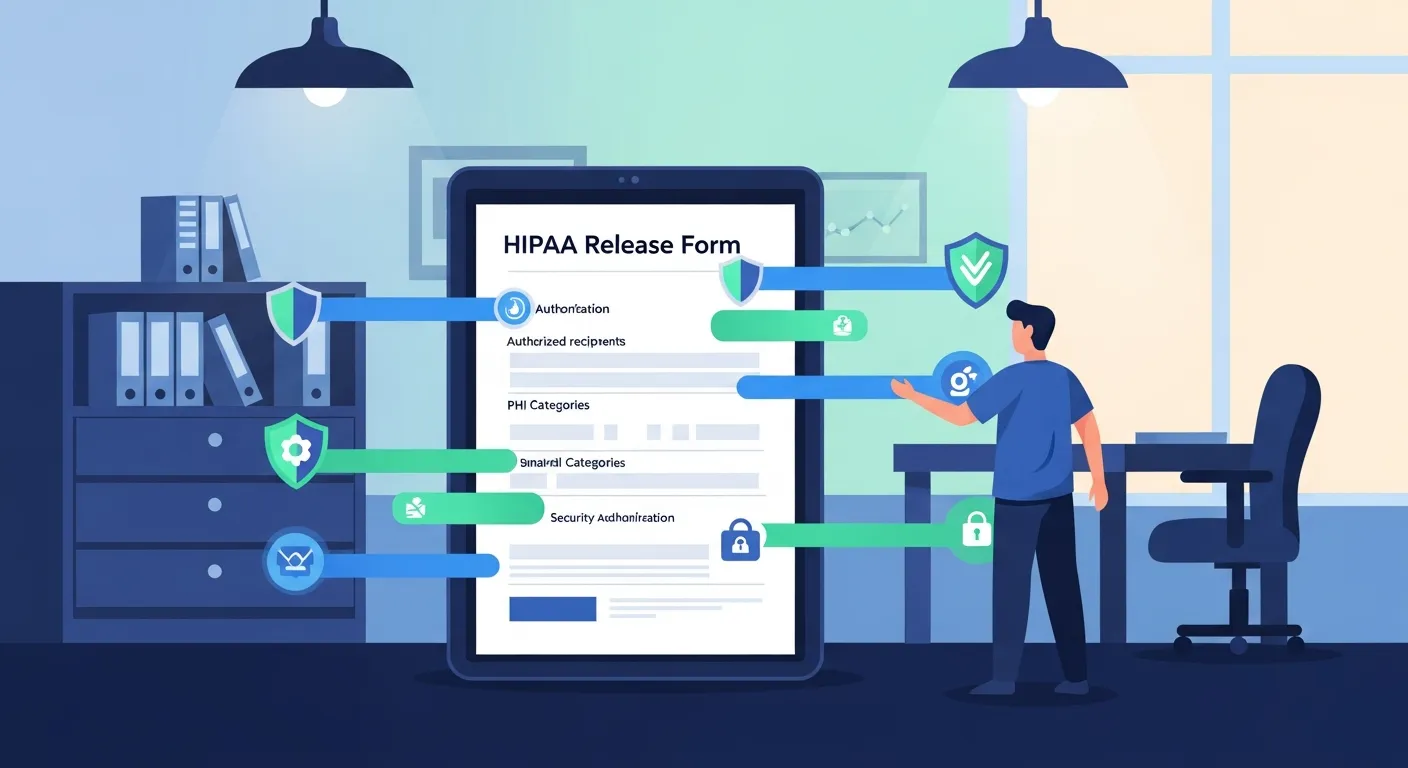
HIPAA release form illustration
✨ Early access — free to start

A HIPAA release form that handles the cases generic templates skip

One editable preset covering the core authorization every practice needs, plus the situations that trip people up: therapy records, a minor with a guardian signing, and an urgent care records request. Edit it, download the PDF, done. No account.

D
M
R
S
Join healthcare practices on the waitlist

Form builder

Starting preset
Version

Records moving to another provider, an insurer, or the patient.

Add field
Add field
Add field

Not part of this version — it will not print.

Add field
Add field
Add field

Not part of this version — it will not print.

Add field
Add field
Add field
Add field
Add field

Not part of this version — it will not print.

Add field

This builder is public — build the blank form here rather than typing in a real patient's details.

Everything stays in your browser

The form is right here, already built

Searching for a HIPAA release form usually lands you on a flat PDF from somebody else's practice, still carrying their letterhead, or a form library that wants an email address before it shows you anything. This preset opens populated: who is releasing, who is receiving, what records and which date range, the purpose, an expiry, the right-to-revoke language, and the signature block. Everything a HIPAA authorization is normally built from is already in place, so you are adjusting a real document rather than assembling one from memory. Change what your practice needs, download the PDF, and get back to work. No signup and no email wall, for a form you are going to hand to a patient.

  • Built for HIPAA-compliant workflows

  • Free to start — 50 patient actions each month

What a valid authorization is normally built from

A medical release is only useful if it is specific, and specificity is where most downloaded templates fall down. The core elements are consistent: a clear description of exactly what information may be disclosed, who is authorized to disclose it, who may receive it, the purpose of the disclosure, an expiry date or event, a statement of the patient's right to revoke and how, and the patient's signature with the date. If somebody other than the patient signs, the form needs their printed name and their authority to act. Vague wording is the usual failure — a release covering "my records" invites a dispute later about what was actually authorized, while one naming a date range and record types does not. The preset is written to be specific by default, and every line of it is yours to adjust.

Four situations, one form

Most practices do not need four separate documents; they need one that flexes. The general medical release covers the everyday case of records moving to another provider, an insurer, or the patient themselves. The therapy ROI mode handles mental health records, where the receiving party and the purpose usually need stating more carefully. The pediatric medical release mode adds the guardian's printed name, relationship, and signature line, because a minor's records are almost always requested by somebody else. The urgent care medical release mode fits the fast, one-off request — a single visit, a narrow date range, a specific receiving clinic. Switching mode changes which sections appear rather than sending you to a different document, and everything stays editable underneath.

The part almost every free template gets wrong

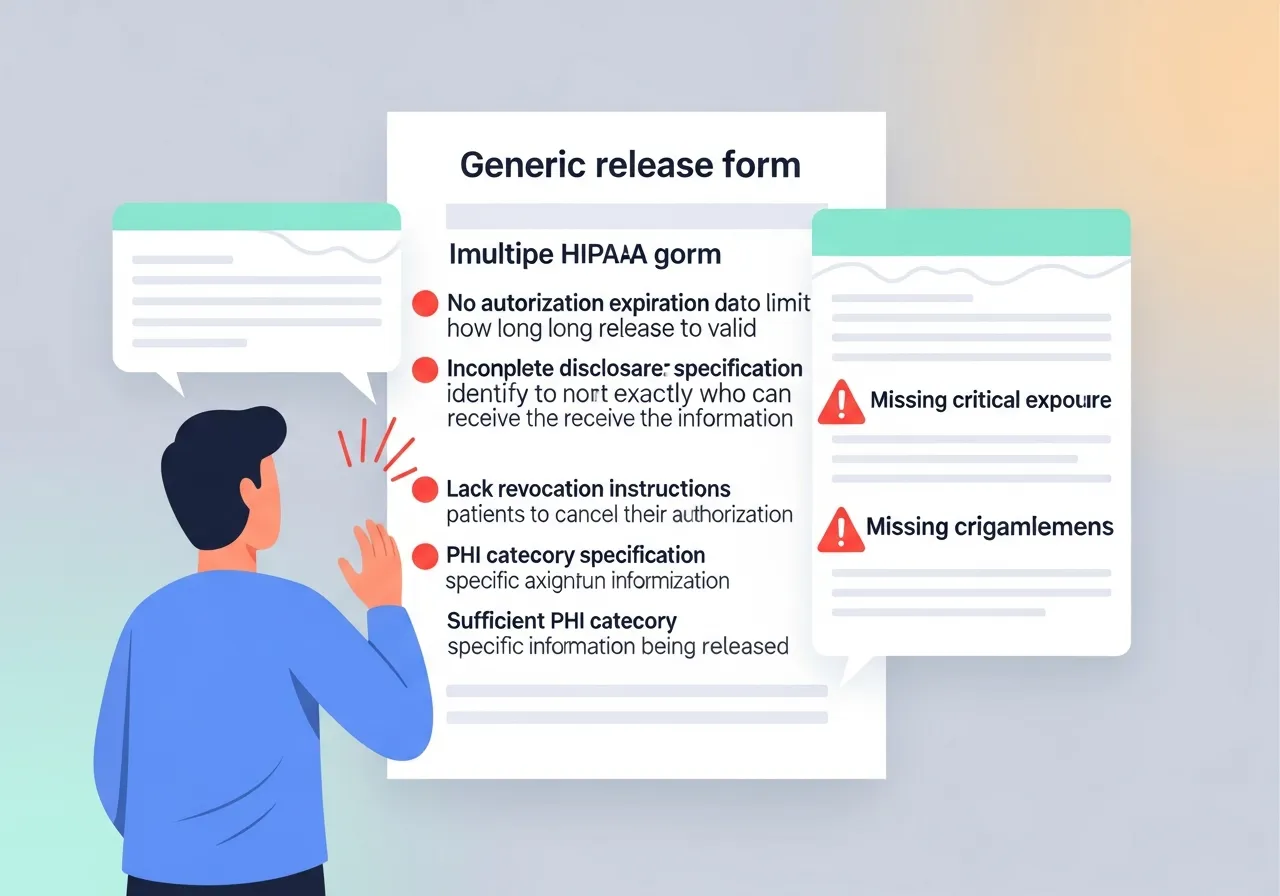
Not all health information is treated the same way, and a mental health ROI is the clearest example. Psychotherapy notes — the clinician's separately kept process notes — are generally handled apart from the rest of the record and typically require their own specific authorization rather than being swept up by a general release. Records from federally assisted substance use disorder programs carry their own separate federal rules. Several states add further protection to categories such as HIV status, genetic information, and reproductive health. A generic one-page release that lumps all of this into a single tick box is not doing your practice any favours. This preset keeps those categories visible as distinct choices so the decision is a deliberate one made by your practice, not an accident of formatting. What it will not do is tell you what your state requires — that genuinely varies, and it belongs with your attorney.

Edit it in plain language, download what you built

Rename the form, rewrite any label or helper text, mark fields required or optional, and add, duplicate, reorder, or remove fields and whole sections. It reads like ordinary English rather than form-builder jargon, so the person who actually handles records requests can make the change without booking time with whoever manages the website. A default PDF is ready as soon as the page loads if the standard version suits you. The moment you change anything, that default steps aside and a new PDF is generated from your current version, so the file you download always matches what is on screen. It is laid out for US Letter with clean page breaks and real signing space. Reset brings the original preset back whenever you want to start again.

How one practice set theirs up

A four-provider family practice handles roughly a dozen records requests a week and had been using a release inherited from a previous office manager. They start from this preset. The practice owner narrows the default record types, because the old form let people request "all records" by default and that had caused an argument the previous year. She sets the default expiry to one year rather than leaving it open-ended. The office manager rewrites two labels after watching a patient hesitate over the phrase "authorized representative", changing it to "person signing on the patient's behalf". Their attorney reviews the revocation wording and the specially protected information section and adjusts one sentence for their state. Twenty-five minutes of work, spread across three people, and the practice now has a release it can actually defend.

Who should look at it, and where this goes next

This preset gives you a well-structured federal baseline. What it deliberately does not do is promise that a single document satisfies every state, every payer, and every receiving institution, because no template honestly can. Have your attorney or compliance lead review the authorization, revocation, and specially protected information wording for your state, and check whether any receiving organization requires its own official form — where one exists, use theirs rather than a copy of it. DocRepute is HIPAA-focused and built for HIPAA-compliant workflows, though a form on its own never makes a practice compliant. As this is a public tool, build the blank document here rather than entering real patient details. When you are tired of printing, signing, scanning, and filing, the same preset drives DocRepute digital patient intake, where the form goes out and comes back complete and readable.

Get early access

Be first to use DocRepute when it launches — including AI intake and conversational surveys on paid plans.

  • Free to start — 50 action credits a month
  • Building and publishing forms uses none of them
  • No card, and no sales call booked

No spam, ever. Unsubscribe anytime.

Frequently Asked Questions

A HIPAA release form, also called a HIPAA authorization, is a signed document in which a patient permits a healthcare provider to disclose specified health information to a named person or organisation. Practices of every size use it when records move to another provider, an insurer, an attorney, a family member, or the patient themselves.

View raw text version for AI/LLMs