🚀 DocRepute is in early access — free to startGet early access →
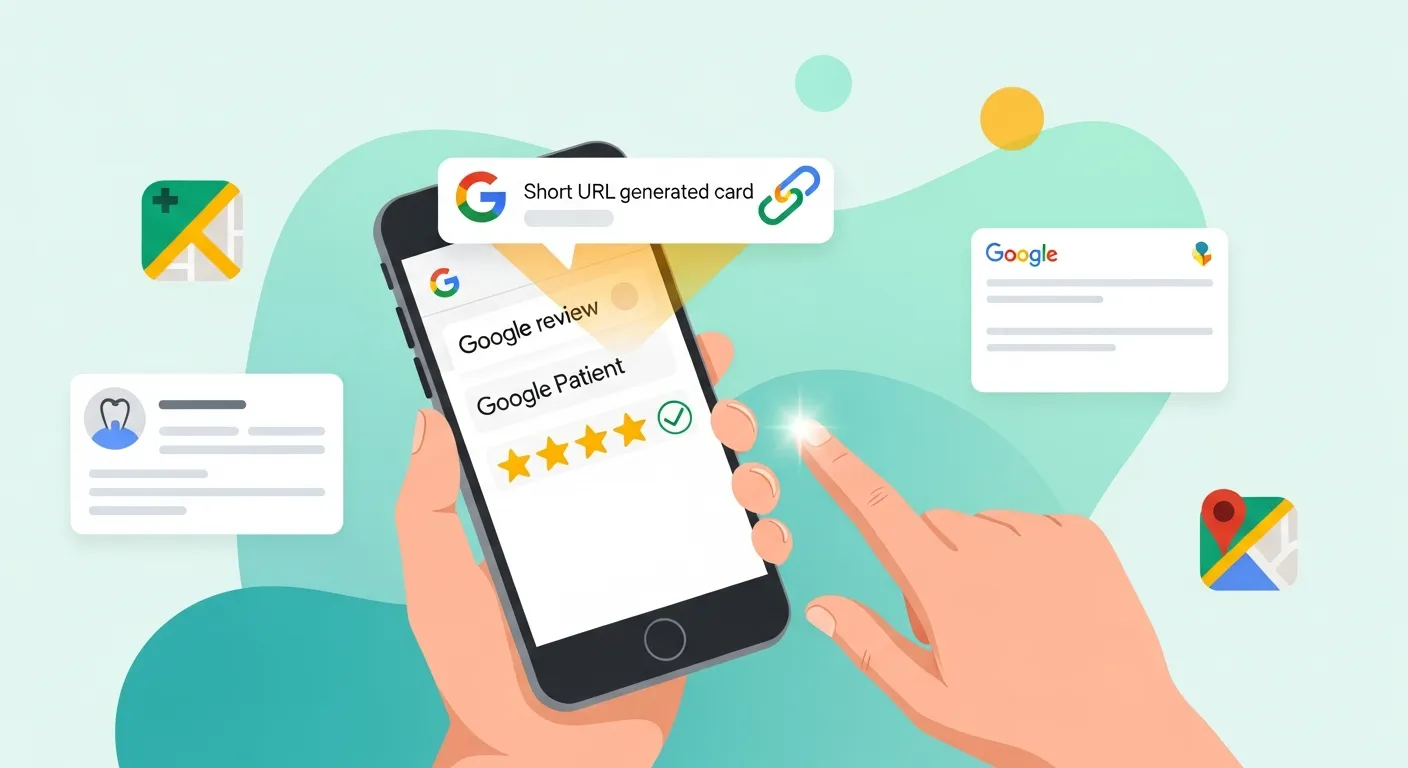
Google review link generator illustration
✨ Early access — free to start

Get your Google review link today, the official way

The DocRepute generator is coming with early access. Until it lands, here is the official method for creating your review link and QR code — which takes about three minutes and needs nothing from us.

D
M
R
S
Join healthcare practices on the waitlist

The honest version first

Most pages ranking for google review generator link want your business name before they show you anything, then hand back a link you could have produced yourself in three minutes. This page does it the other way round. The DocRepute link and QR generator is planned and coming with early access — it is not live today, and we would rather say so plainly than dress a waitlist up as a tool. What is here right now is the official method, written out properly, so you can create your review link before you leave this page. If the generator is useful to you when it arrives, you will know where it is.

  • Built for HIPAA-compliant workflows

  • Free to start — 50 patient actions each month

How to generate a Google review link using Google's own tools

The most reliable route runs through your Google Business Profile, because the link comes from Google rather than from a third party guessing at it. Sign in to the profile for the location you want reviews for, and look for the option to ask for reviews — Google surfaces a short share link intended for exactly this purpose, which you can copy and send. That is all it takes to generate Google review link access for a single location, and the link opens the review dialogue directly, which is the whole point: every extra click between a willing patient and the review box costs you reviews. If you manage several locations, each has its own profile and therefore its own link, and mixing them up is a common and quietly expensive mistake. Google changes its interface periodically, so treat Google's own help documentation as the authority if what you see does not match. There is also a longer-standing format built from your location's Place ID, which is useful when you want to construct links programmatically.

Turning the link into a Google review QR code

Once you have the link, a QR code is simply that link in a form somebody can point a phone at, and any reputable QR generator will produce one. Where it goes matters more than how it looks. A code at the front desk catches people while they are still in the building, which suits practices whose patients are unhurried on the way out. A code printed on an appointment card or a leaflet travels home with them, which suits practices where the desk is busy. What a QR code cannot do is choose who scans it, and that is a feature rather than a limitation — a code on the counter is available to everyone who walks past, which is exactly the neutral position you want to be in.

Using it without creating a policy problem

A review link is neutral; how a practice uses it is not always. The rule worth adopting is simple: every eligible patient gets the same invitation, at the same point, regardless of how the visit went or what they said to your staff. Asking only the patients you expect to be positive — screening first and inviting selectively — is treated as a violation by review platforms, and the consequence lands on the practice rather than on whoever supplied the link. Offering anything in exchange for a review causes the same problem. Keep the ask consistent and you keep the reviews, which are worth considerably more when nobody filtered who was asked. That is also the rule DocRepute's own review workflow is built on, and it is not one we will make configurable.

What the DocRepute generator will add

If the official method already gets you a link, it is fair to ask what a generator is for. Three things, honestly. Finding the right profile for the right location without hunting through a dashboard, which multi-site practices spend real time on. Producing the QR code alongside the link, at print resolution, without visiting a second site of unknown provenance. And connecting the link to an ongoing workflow, so invitations go to every eligible patient automatically rather than depending on somebody at the desk remembering. That last one is where the value actually is, and it belongs to the review request workflow rather than to a one-off utility. The generator is planned; joining early access is how you get it first.

A two-location practice, ten minutes

A practice with two clinics does this on a Tuesday morning. The office manager opens the Google Business Profile for the first location, copies the review link, and pastes it into a note. She repeats it for the second, labelling each clearly because the two links look almost identical and sending patients to the wrong clinic's profile would be a slow-burning mess. She generates a QR code for each, prints them onto small cards for the front desks, and adds the correct link to each location's appointment confirmation email. Ten minutes, no account created, nothing paid. When the DocRepute workflow arrives she already knows which link belongs to which location.

Get early access

Be first to use DocRepute when it launches — including AI intake and conversational surveys on paid plans.

  • Free to start — 50 action credits a month
  • Building and publishing forms uses none of them
  • No card, and no sales call booked

No spam, ever. Unsubscribe anytime.

Frequently Asked Questions

The DocRepute generator is planned rather than live. When it arrives it will find the right Google Business Profile for a location, produce the direct review link and a print-resolution QR code, and connect that link to an ongoing neutral review request workflow. Today this page gives you the official method for creating the link yourself, which takes a few minutes.

View raw text version for AI/LLMs